Table by table
Set up your dining areas and tables, and keep adding items to a table as guests order more.
Restaurants
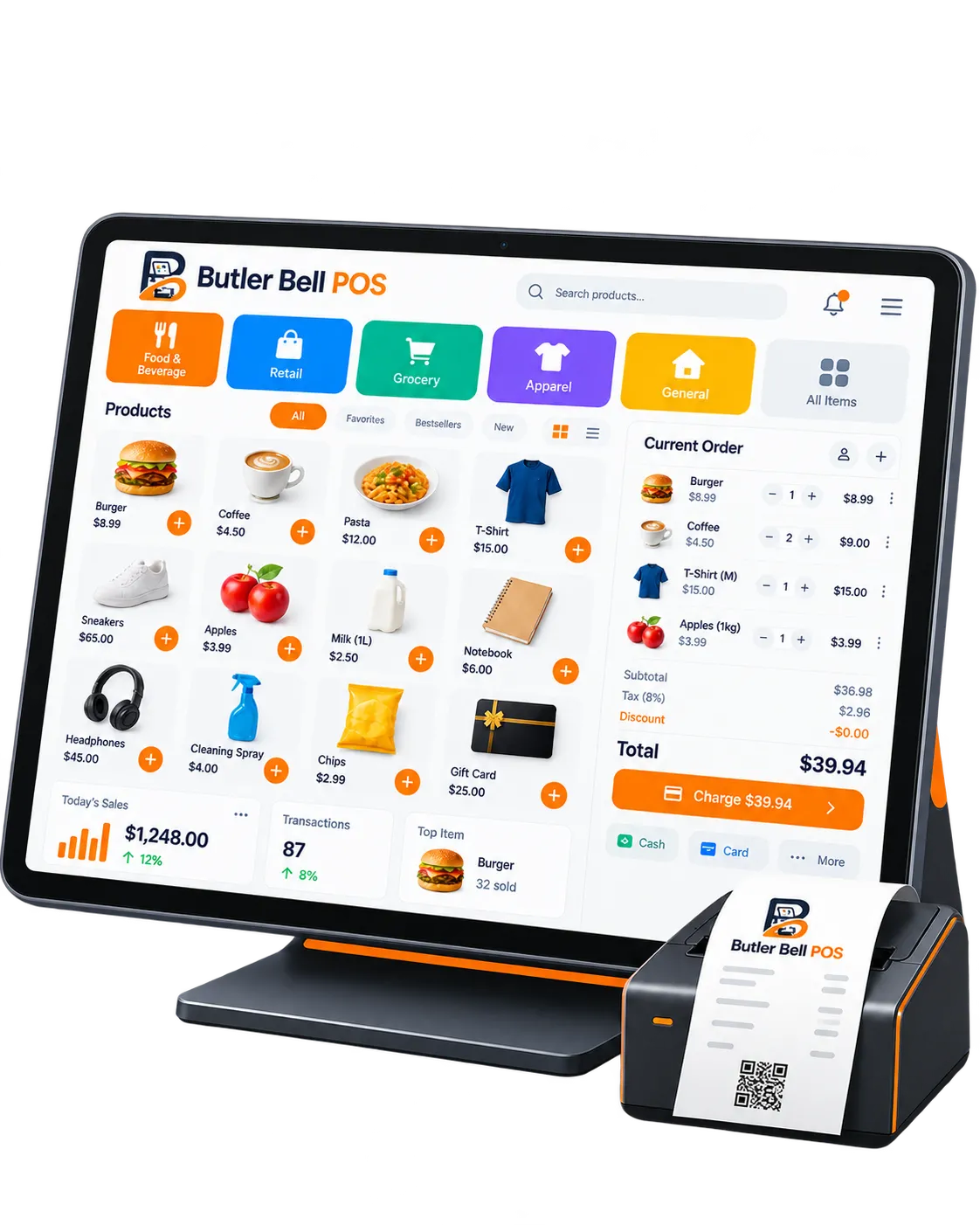
Bill table by table, let guests order with a QR code and send orders straight to the kitchen printer — all from an Android phone or tablet.
Available in ગુજરાતી · हिन्दी · English
Why Butler Bell
Set up your dining areas and tables, and keep adding items to a table as guests order more.
Guests scan the QR code on their table, browse the menu and order from their phone.
Starters to one printer, the tandoor to another — each order prints where it is cooked.
Features
From the first sale of the day to your closing report — without a computer or complicated setup.
Create a bill in a few taps and print it on your Bluetooth thermal printer. Taxes and discounts are applied automatically.
Organise products into categories with variants, add-ons, prices and taxes.
Save customer details so you can serve repeat customers faster.
Use the app in Gujarati, Hindi or English — so you and your staff are comfortable from day one.
See today's sales, best-selling products and past orders at a glance.
Bills sync as you work, even after working offline, so you can check your sales from anywhere.
Get started
Get Butler Bell from Google Play on your Android phone or tablet.
Call or WhatsApp us. We help you add your products, prices, taxes and printer.
Bill customers from day one and watch your sales add up.
Pricing
Everything included, for less than ₹6 a day plus GST.
Butler Bell POS
₹2,000 + GST / year
For 1 POS · about ₹167 a month plus GST
Less than a cup of chai a day
Need more than one POS? Talk to us.
FAQ
Yes. Connect a kitchen printer and choose which categories or items print there.
Yes. Add extra charges as a percentage or a fixed amount, and choose whether they are added to every bill automatically.
₹2,000 + GST per year for one POS, with all features, support and updates included.
No. Butler Bell runs on Android phones and tablets. You can connect a Bluetooth thermal printer to print receipts.
Yes. The app works in Gujarati, Hindi and English, so everyone can use the language they are most comfortable with.
Talk to us today. We will show you the app and help you set it up.